Richwood School , West Virginia
I’m excited to share detailed insights into the projects I’ve worked on. If you’re as curious about technology as I am, I enjoy sharing knowledge and explaining how these solutions come together in practice.


This is the largest project I’ve led to date, where I served as the lead Network Engineer responsible for designing, implementing, and configuring every aspect of the network. It stands as a strong representation of my capabilities. After months of planning and a week of on-site implementation, I successfully configured 78 switches and 40 mini-IDFs. Working closely with the school to understand their requirements, I developed a network architecture robust enough to support 1,000 students and numerous staff members. It was a monumental task that I executed efficiently and without error.
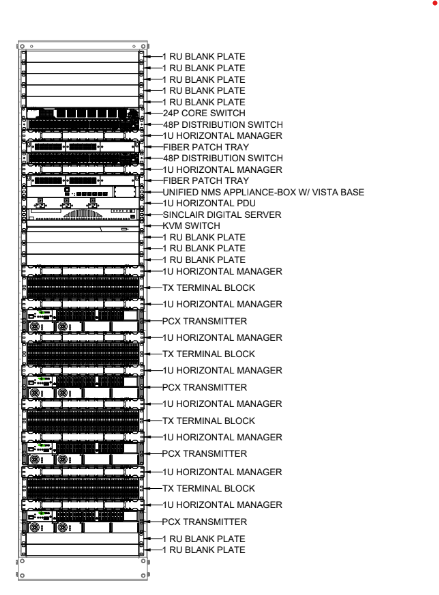
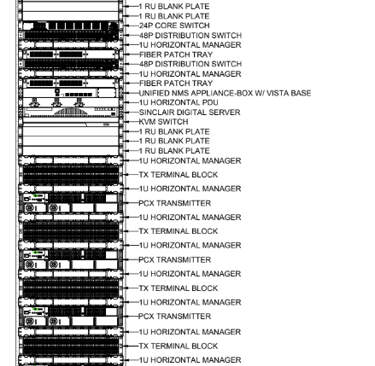
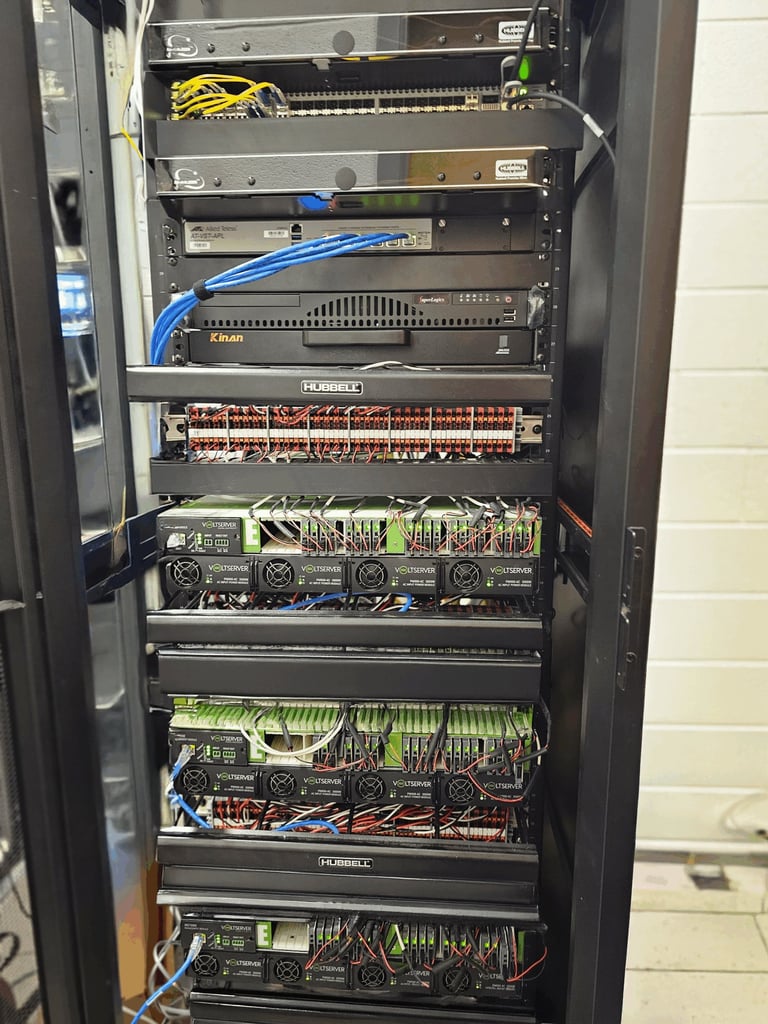
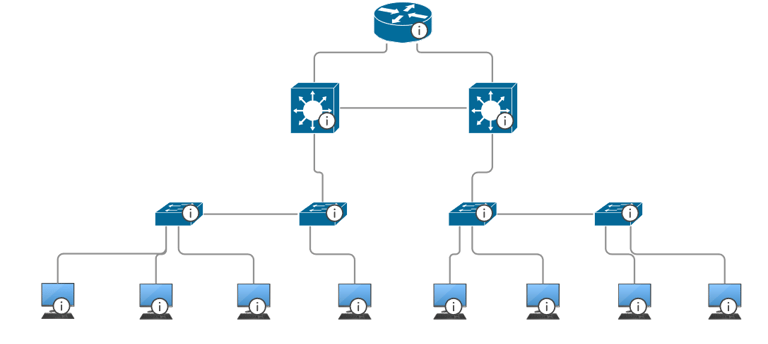
The school network is designed to be as robust as my previous projects. The headend rack includes two 48-port stackable SFP switches from Allied Telesis, complemented by a 24-port Cisco router serving as the main distribution router to the internet. VoltServer technology provides 57V DC power to each mini-IDF in the ceiling, while fiber patch panels connect the mini-IDFs to the headend for high-speed, reliable communication. Additionally, a dedicated server pools SNMP and other protocols to monitor the network, with backdoor access enabled through N-abled for streamlined management and troubleshooting.
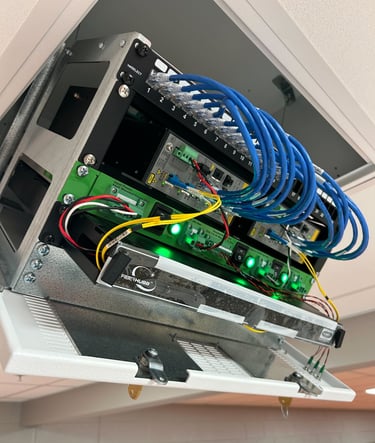
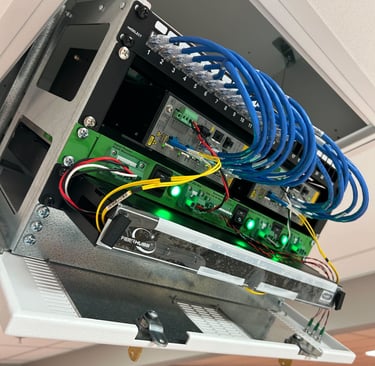
Each pair of classrooms is served by a single mini-IDF in the ceiling, housing two 8-port Allied switches that deliver 90W PoE and 10Gbps connectivity to classroom devices such as laptops and phones. Each switch also supports an access point in every classroom, ensuring full wireless coverage across the school. Additionally, each mini-IDF contains a VoltServer receiver, which converts power from the VoltServer transmitter to supply the two switches efficiently.
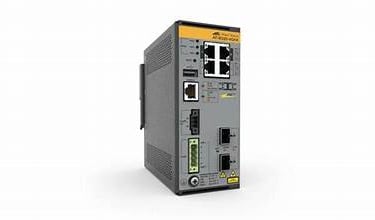
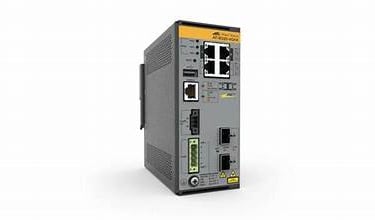
Configuring these switches was straightforward, requiring only a few interface settings since they didn’t need a complex setup. Allied Telesis uses a CLI similar to Cisco, which made the process even smoother.
Configuration for the IE220 switches
interface port1.0.7
switchport
switchport mode access
switchport access vlan X
storm-control broadcast level 2.0
storm-control multicast level 2.0
storm-control dlf level 2.0
ip dhcp snooping max-bindings 10
service-policy input X
wrr-queue egress-rate-limit 333000 queues 6
wrr-queue egress-rate-limit 100000 queues 7
spanning-tree portfast
lldp med-notifications
lldp tlv-select all
These are the configurations for one port on the IE220 switch. Some information has been redacted for security purposes. The settings were tailored to the client’s specific needs and the required network complexity. I’ll go over the different protocols I used and explain the reasoning behind each one.
Storm-control is a network feature that limits the amount of broadcast, multicast, and unknown unicast traffic on a port to 2% of its total bandwidth (set here as level 2.0). This prevents broadcast storms, which can overwhelm the network and cause severe congestion or outages.
DHCP Snooping limits the number of DHCP bindings allowed on a port (in this case, to 10), helping protect against DHCP attacks such as rogue servers and preventing the port from being flooded with unauthorized MAC addresses.
Controlled Weighted Round Robin (CWRR) queuing protocol, I defined rate limits for outbound traffic on queues 6 and 7. This ensures high-priority traffic, such as video for classrooms, receives the appropriate bandwidth allocation.
LLDP ( Link layer discovery protocol) which helps discover devices like phones, and allows the switch to share network configuration info with connected devices.
This is the headend setup for Richwood. We used one Cisco router along with two stacked switches to propagate the network to 38 smaller IE 220 switches. This design allowed us to apply QoS and other protocols to maintain efficient traffic flow and minimize bottlenecks. The school’s ISP provided up to 10 Gbps of bandwidth. The main switch was configured as the DHCP server, managing multiple VLANs, including a dedicated management VLAN. Additionally, a KVM and server were installed in the headend to monitor SNMP messages and provide remote access for troubleshooting and maintenance.
Headend
Thomas Ramirez
Network Operations manager @ Sinclair-Digital Location : DFW, TX
Contacts
Work: Thomas.ARamirez@Sinclair-Digital.com Personal: Thomas.Aramirez@Yahoo.com Phone: 817-658-1533